The other day a friend of the blog and a self professed newbie to Photoshop had downloaded our aqua skies action and had a bit of trouble loading, we directed her to our videos we have which we hope are easy peasy. That Friday we gave away free flourish Photoshop brushes and she emailed an S.O.S. saying they weren’t working (we did a little troubleshooting and found out she was trying to use the steps for installing Photoshop actions for her Photoshop brushes). Michelle and I both know that Photoshop can seem like an incredibly daunting + intimidating program, but I promise you that it doesn’t have to be!
My unsolicited advice? Don’t try to learn everything in Photoshop all at once, you don’t need to know how to do everything if you are a newbie to Photoshop (or even an expert), you just need to learn what tools and tasks you need to complete your given project. Even though I am a .PsD (that’s basically like having a Ph.D in Photoshop) there are many tools I don’t know how to use, don’t use or don’t care to ever use (for me it’s some of the awful filters, the 3D capabilities and web design tools like slicing. What you don’t know about slicing? Exactly).
I thought I would tackle installing Photoshop brushes today with some of the easier tutorials. We use Photoshop brushes a lot around here and we have made many to download for free, so I hope this helps!
//How to install Photoshop brushes//
This is an older post, but I think it’s still a very simple + easy explanation.
A little more advanced but still easy to understand.
P.S. Michelle and I will be teaching a ‘Photoshop for Lettering Artist’ class in the very near future, if you want to learn the step-by-step on how to get your lettering from paper to pixel sign-up to be notified of class launch here!
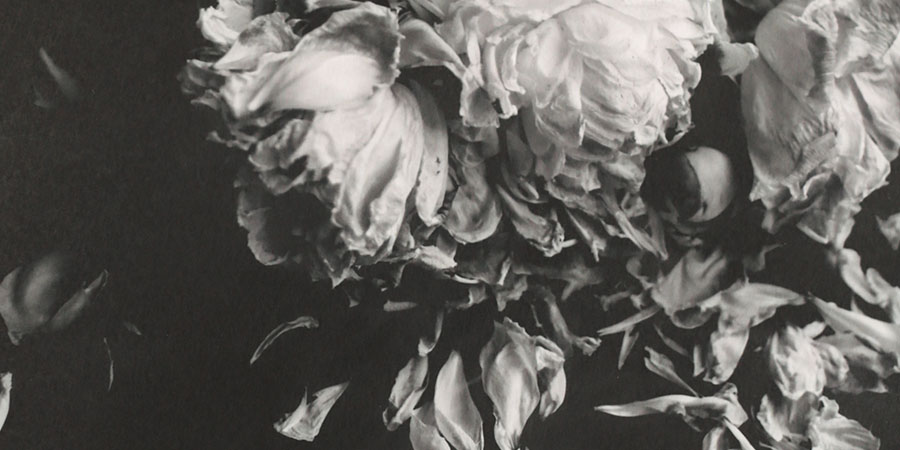
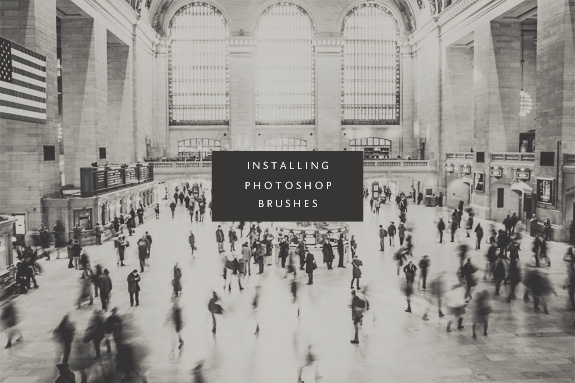
P.P.S. I used brushes on this image I edited by Nicolai Bernsten. When you really have a handle on Photoshop brushes they will help you create magic within your images. I also wanted a good excuse to practice developing our B+W Photoshop actions, it’s going to be a lot of experimentation until we are ready for market, wish us luck!
Miss Tristan B. is the co-creator of the world’s best + easiest product photography editing tool-Foto Rx | Shopkeeper’s Helper and one of the writer’s of this delightful blog. Her lofty goal here is to make this a creative resource repository and to inspire you to fall truly, madly, deeply in love with your life.